|
|
Tweet |
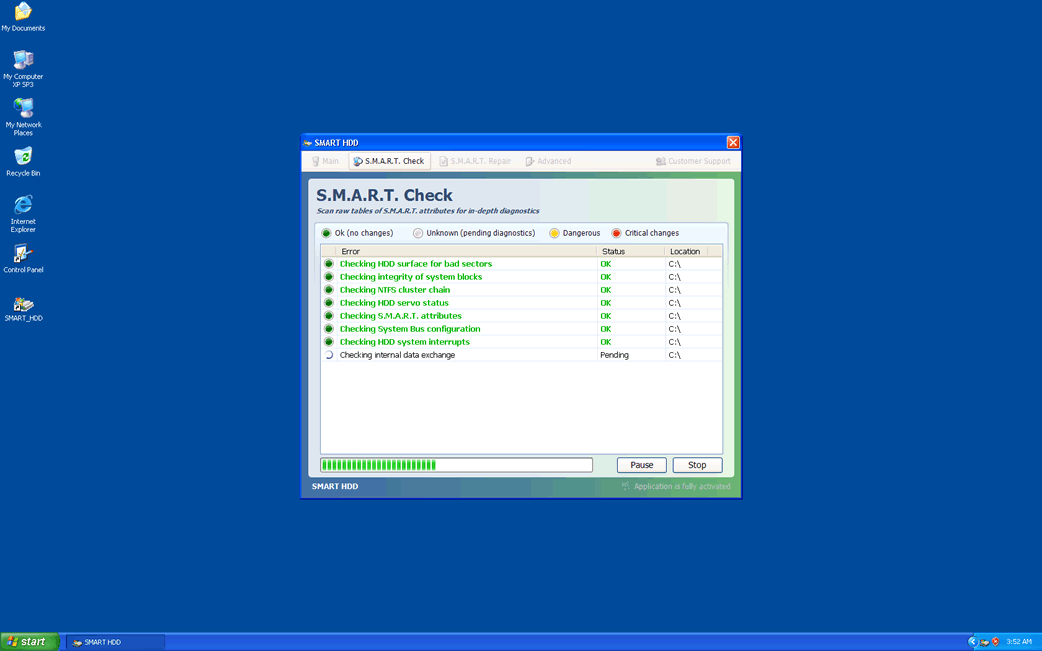
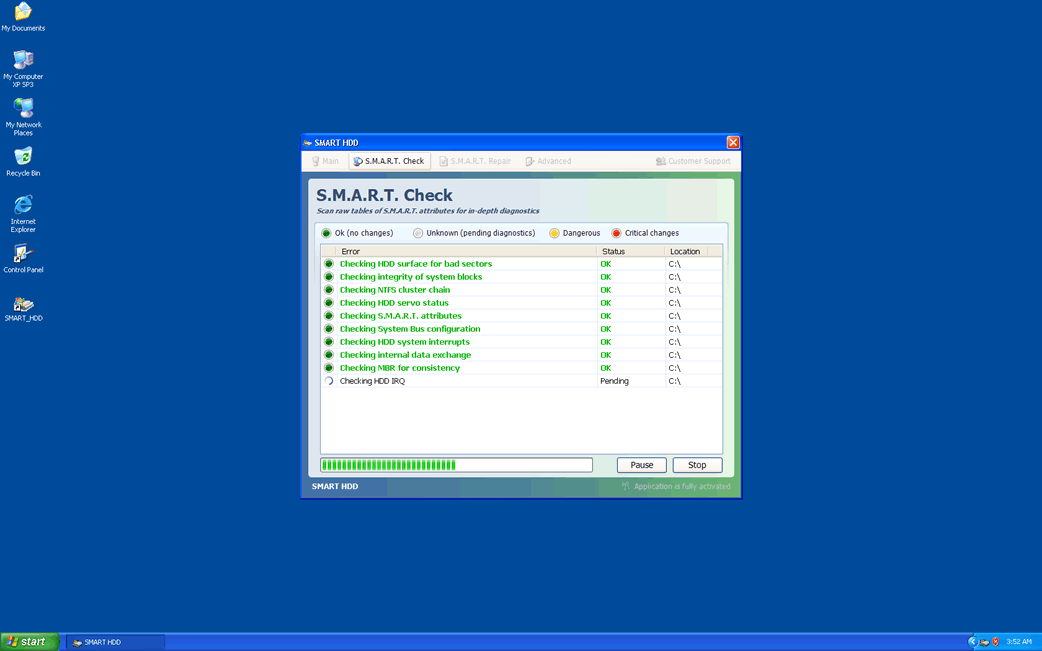
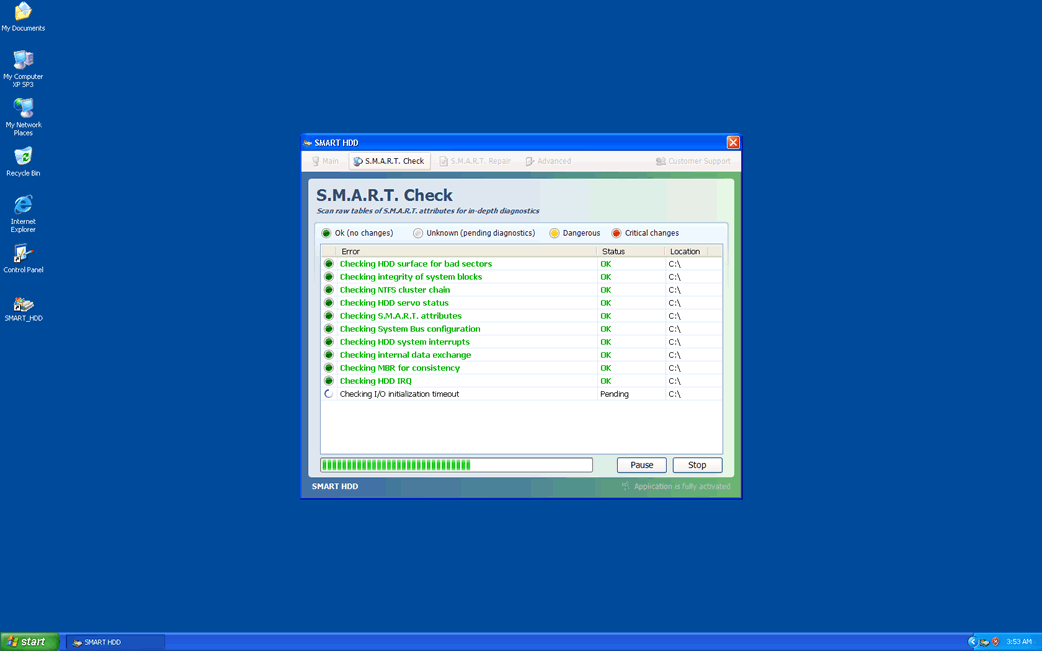
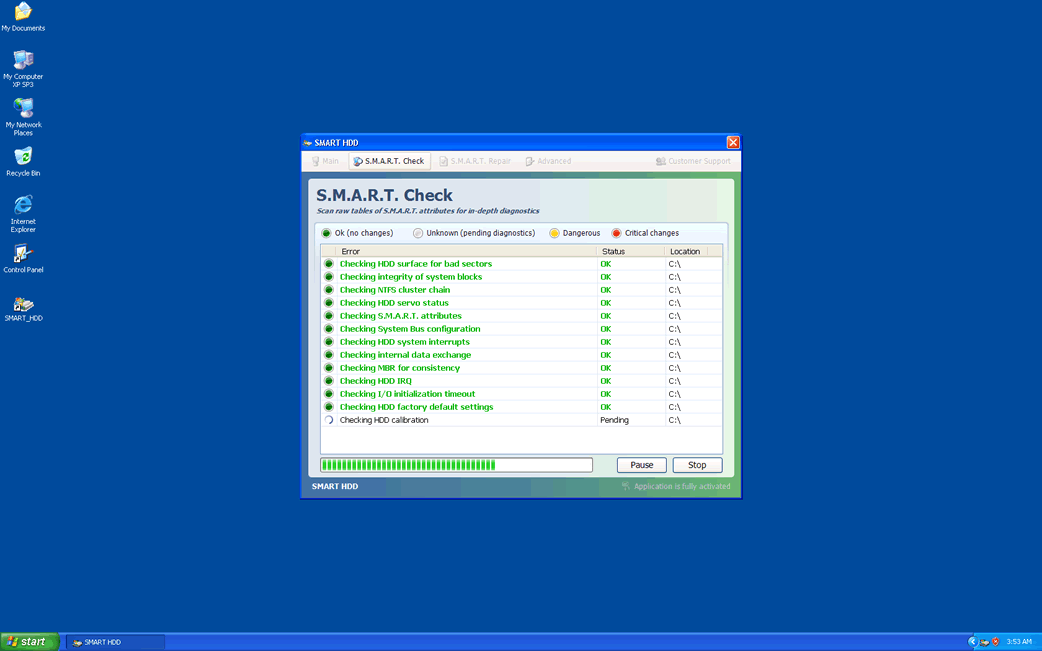
Smart HDD Descripción
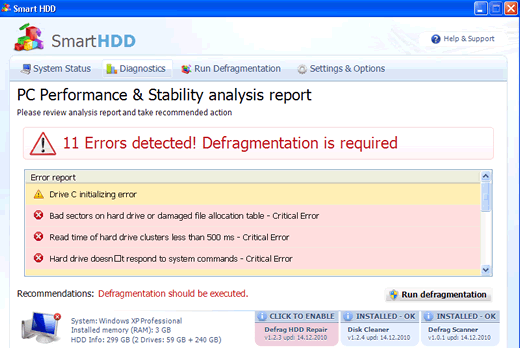
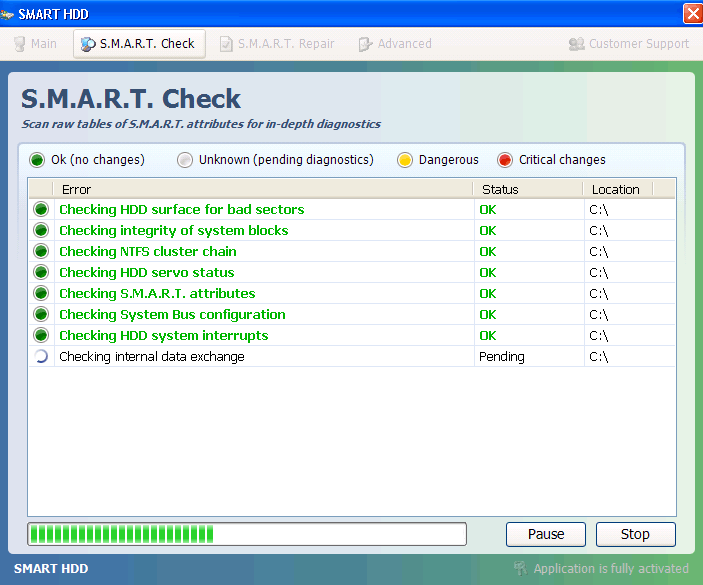
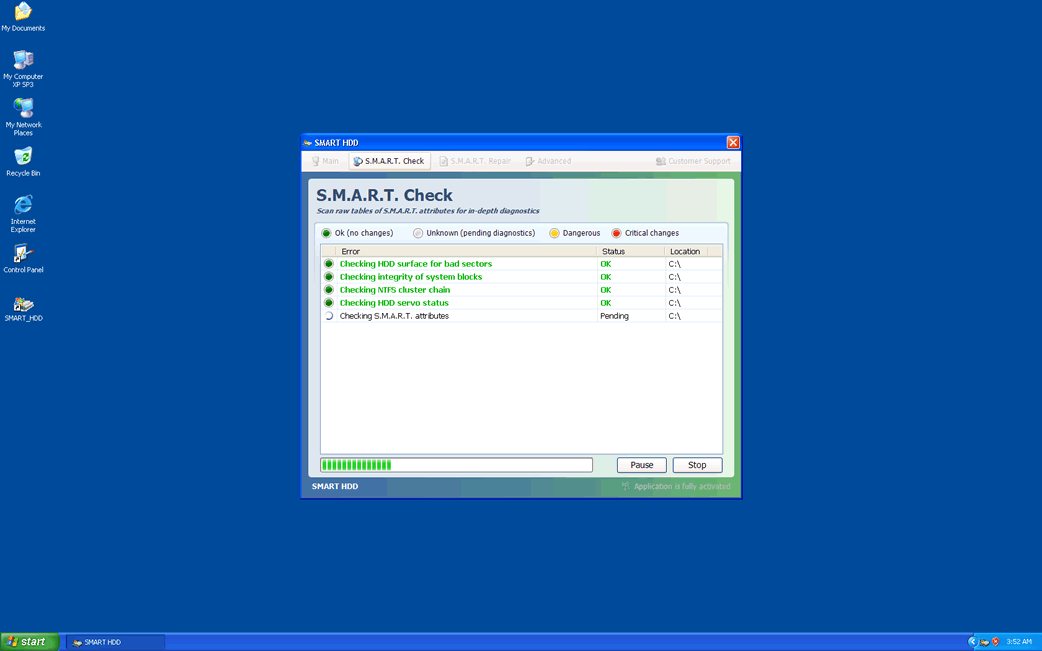
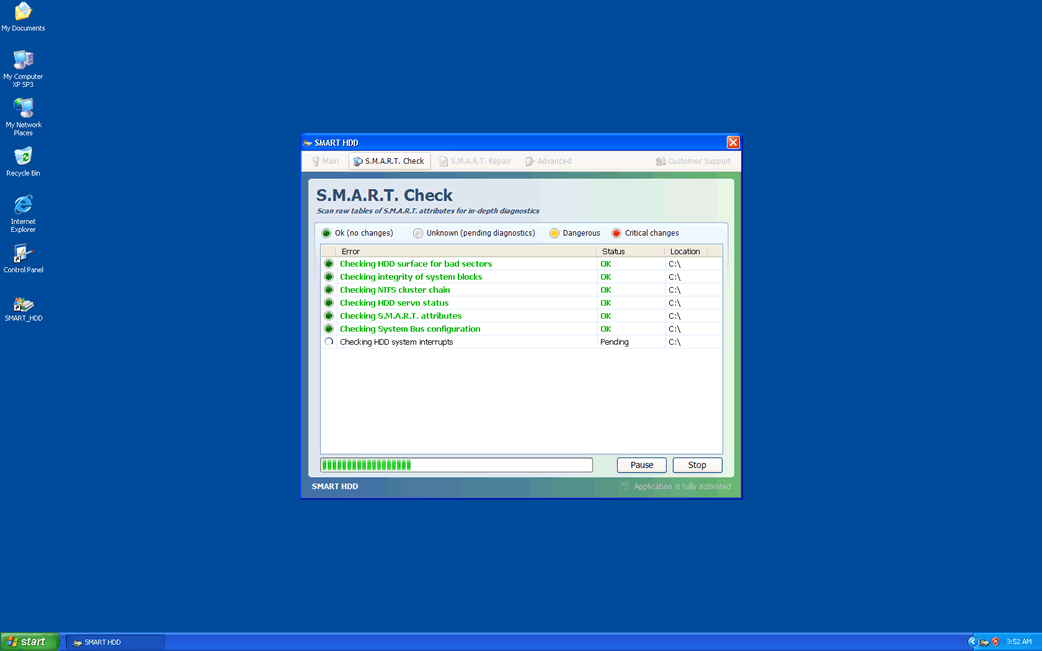
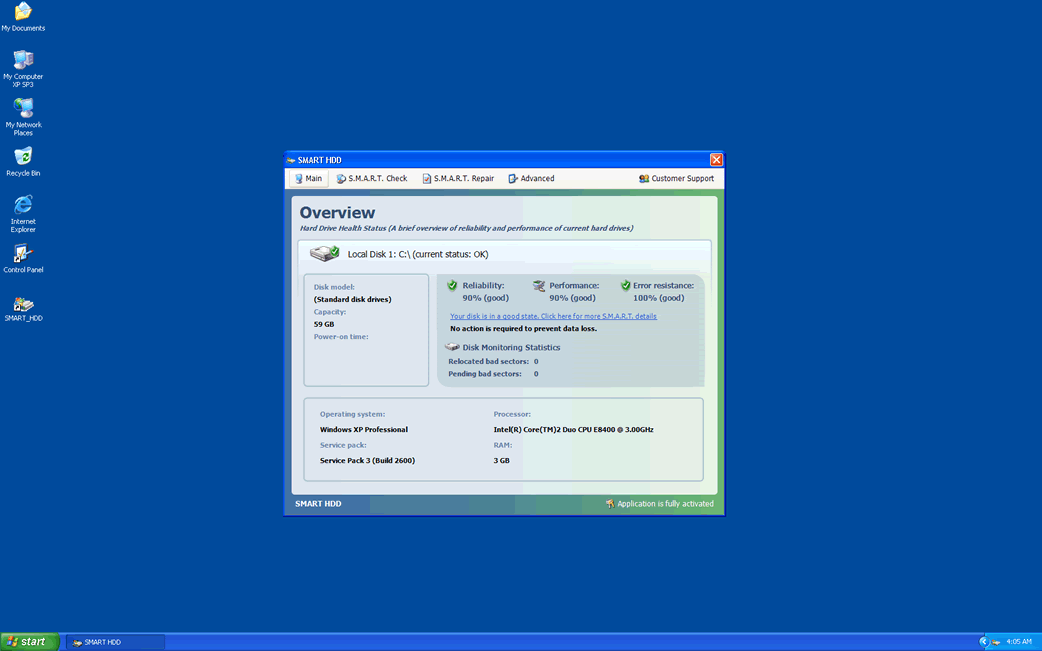
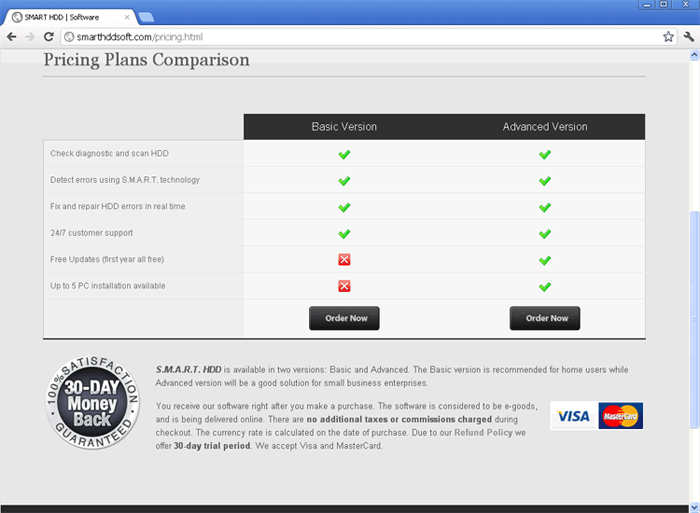
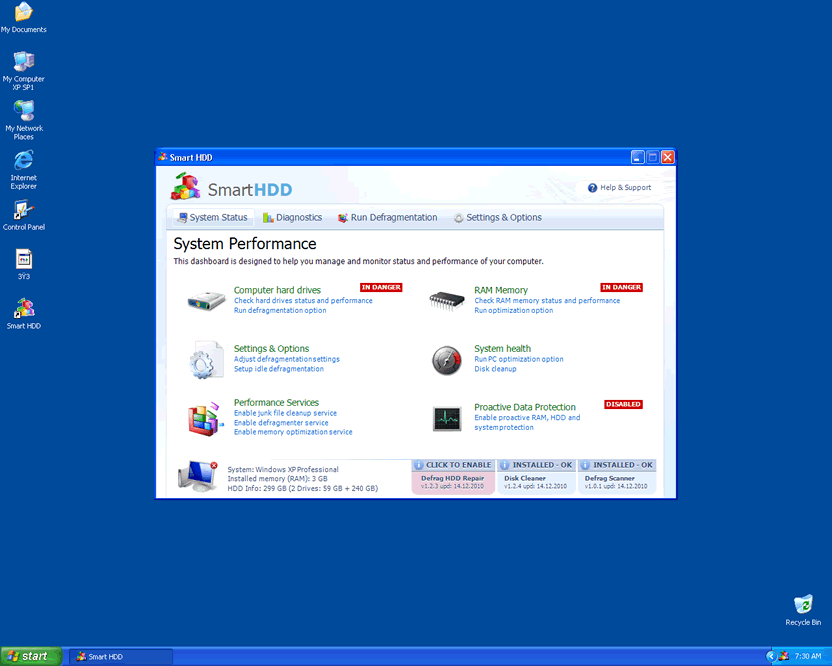
Se descubrió que la herramienta falsa de optimización de PC, conocida como Smart HDD disfrazase como un programa que tiene como objetivo aumentar el rendimiento de una PC, mediante la detección de errores y la desfragmentación del disco duro. Sin embargo, el Smart HDD no es tan “inteligente”, ya que no puede cumplir con estas funciones, y mucho menos mejorar el rendimiento de la PC.
El Smart HDD fue creado por los hackers, que tienen como principal objetivo extorsionar a los usuarios inocentes de computadoras. En otras palabras, cualquier usuario de computadora que creer que el Smart HDD correge errores y acelera el rendimiento de la PC, puede terminar encima de comprar su versión completa, que no hace nada bueno para el usuario de la computadora. La edición gratuita y las versiones comerciales del Smart HDD tienen la capacidad de acelerar el rendimiento de su PC o realizar cualquier otra función “anunciada” en el menú principal. El Smart HDD se comporta de manera similar a otros programas maliciosos de optimización, tales como Win HDD y HDD Rescue.
Smart HDD (SmartHDD) es un esquema descarado y la detección y eliminación de todas las entradas de registro relacionadas con él, así como los archivos de disco duro debe llevarse a cabo, para liberar el equipo de este programa falso de optimización. Recuerdese de que cualquier notificación o aviso de sistema que viene del Smart HDD no tiene nada a ver con la situación real de su ordenador.
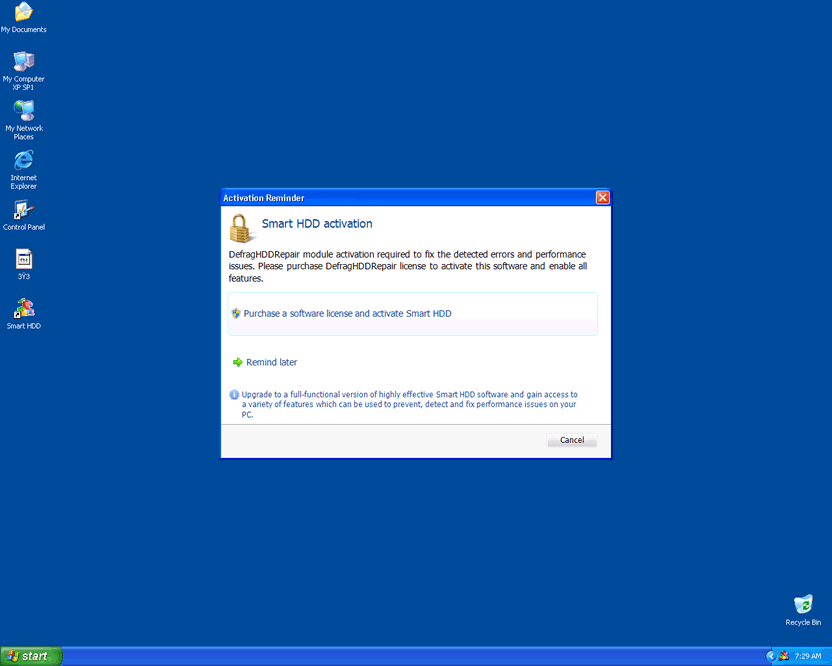
Tipo: Rogue AntiSpyware Programs
Cómo Puedes Detectar Smart HDD?
Smart HDD Informe Técnico
Nosotros actualizaremos esta sección cuando nuevos detalles sobre Smart HDD sean reportado por nuestros clientes y nuestro Centro de Investigación de Amenazas.
URLs, los dominios, y los sitios Web relacionado o tuvieron acceso por Smart HDD (no los visite):
- smarthdd.com
- smard-hdd-software.com
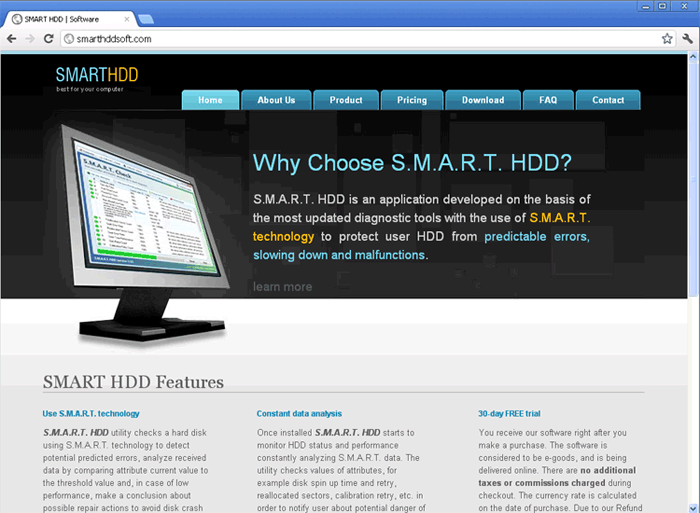
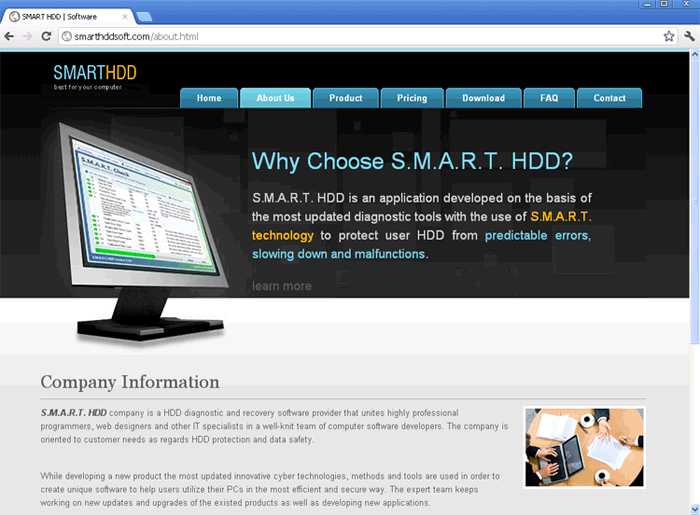
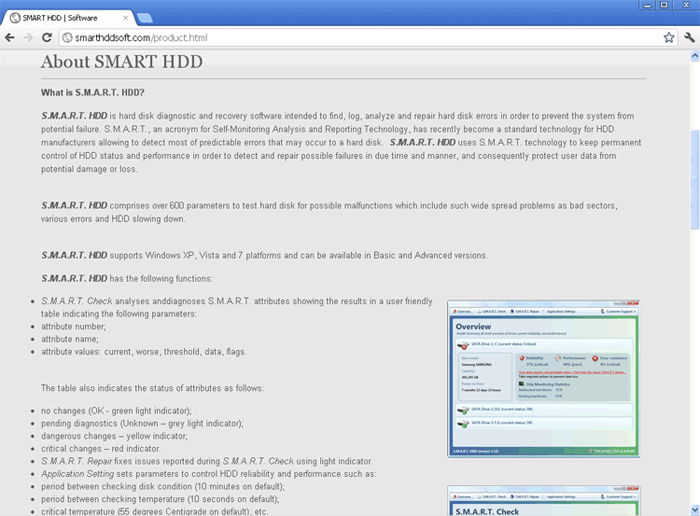
- smarthddsoft.com
Mensaje Falso para Smart HDD:
Siguiente mensaje(s) falso(s) aparece(n) para Smart HDD:
Hard drive boot sector reading error
System blocks were not found
The DRM attribute value is too small before disk scan
Error 0×00000024 – NTFS_FILE_SYSTEM
Error 0×0000002E – DATA_BUS_ERROR
Error 0×00000078 – INACCESSIBLE_BOOT_DEVICE
Error 0×00000050 – PAGE_FAULT_IN_NONPAGED_AREA
Windows detected a hard drive problem.
A hard drive error occurred while starting the application.
Windows cannot find notepad. Make sure you typed the name correctly, and then try again. To search for a file, click the Start button, and then click Search.
Requested registry access is not allowed. Registry defragmentation required
Smart HDD
S.M.A.R.T. Repair
Fix issues reported during the in-depth of S.M.A.R.T. attributesHard drives diagnostic report
Your computer is in critical state. Hard disk error detected.
As a result it can lead to hard disk failure and potential loss of data.
It is highly recommended to repair all found errors to prevent loss of files, applications and documents stored on your computer.
Your computer is in critical state. Hard disk error detected.
As a result, it can lead to hard disk failure and potential loss of data. It is highly recommended to repair all found errors to prevent loss of files, applications and documents stored on your computer.
Hard drive boot sector reading error
System blocks were not found
This has most likely occurred because of hard disk failure.
This may also lead to a potential loss of data.
Hard drive boot sector reading error
During I/O system initialization, the boot device driver might have failed to initialize the boot device. File system initialization might have failed because it did not recognize the data on the boot device.
Error 0×00000078 – INACCESSIBLE_BOOT_DEVICE
The Stop 0×78 message indicates that Windows has lost access to the system partition or boot volume during the startup process. During I/O system initialization, the boot device driver might have failed to initialize the boot device (typically a hard disk). Repartitioning the system partition or installing a new SATA/RAID adapter or disk controller might also induce this error.
Error 0×00000050 – PAGE_FAULT_IN_NONPAGED_AREA
The Stop 0×50 message indicates that requested data was not in memory. The system generates an exception error when using a reference to an invalid system memory address.
Error 0×0000002E – DATA_BUS_ERROR
The Stop 0×2E message is typically caused by failed or defective RAM (including motherboard, Level 2 cache, or video memory), incompatible or mismatched memory hardware, or when a device driver attempts to access an address in the 0×8xxxxxxx range that does not exist (does not map to a physical address).
Error 0×00000024 – NTFS_FILE_SYSTEM
The Stop 0×24 message indicates that a problems occurred within Ntfs.sys, the driver file that allows the system to read and write to NTFS file system drives. It is most often related to hard drive errors.
The DRM attribute value is too small before disk scan
Drive Reliability Monitor (a system or monitoring the reliability of disc drive functioning). The malfunction counter built into the disk drive shows excessive number of malfunctions. The storage device needs to be replaced.
Video Demostrativo de Smart HDD
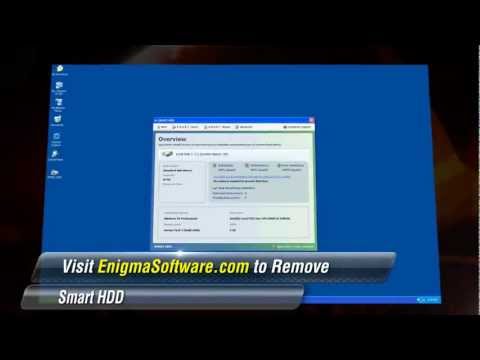
Haga clic en el “Cómo Smart HDD Infecta su Computadora” vídeo para ver Smart HDD infección en acción! Vea por los ojos de un desprevenido usuario de Internet mientras él/ella está siendo victimizado por Smart HDD.
Al final de este vídeo, hay un link para descargar el Spyware Escáner de SpyHunter. El Spyware Escáner de SpyHunter es para el propósito de detectar spyware solamente. Para eliminar Smart HDD, usted debe comprar la versión completa de SpyHunter.
Tip: Encienda su sonido y mire el vídeo en el modo de Pantalla Completo para experimentar totalmente como Smart HDD infecta una computadora. El vídeo contiene botones clicables.
Smart HDD tiene típicamente los siguientes procesos en la memoria:
- %TempDir%\Windows Update.exe
Smart HDD crea las siguientes entradas de registro:
- HKEY_CURRENT_USER\Software\Microsoft\Windows\CurrentVersion\Internet Settings “CertificateRevocation” = 0
- HKCU\Software\Microsoft\Windows\CurrentVersion\Run “[RANDOM CHARACTERS]”
- HKEY_CURRENT_USER\Software\Microsoft\Internet Explorer\Main “Use FormSuggest” = “Yes” {8856F961-340A-11D0-A96B-00C04FD705A2}
- HKCU\Software\Microsoft\Windows\CurrentVersion\Run “[RANDOM CHARACTERS].exe”
- HKEY_CURRENT_USER\Software\Microsoft\Windows\CurrentVersion\Internet Settings “WarnonBadCertRecving” = 0

(4 votes, average: 4.25 out of 5)
Smart HDD
Leave a Comment
Note: Abusive comments are not allowed. Please do not post comments regarding technical support issues. ESG customers that have issues with SpyHunter should open a customer support ticket.