XP Security 2011
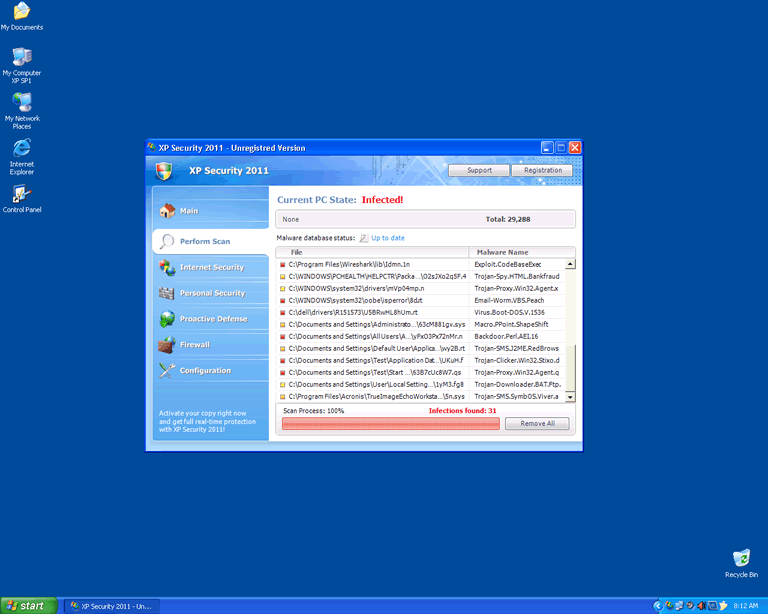
El XP Security 2011 es una aplicación criminal que fue creada para engañar los usuarios y hacerlos gastar su dinero. XP Security 2011 se presenta como una aplicación de seguridad legítima y ejecuta un escáneo gratis del sistema, que siempre detecta una serie de infecciones de malwares peligrosos. XP Security 2011 también mostrará alertas de seguridad y ventanas emergentes para alarmar aún más una víctima, antes de predir que compre su versión completa. No pierda su dinero en XP Security 2011 y pase por alto todas las notificaciones de seguridad que son mostradas por este pícaro, ya que son falsas.ity 2011 Informe Técnico
Nosotros actualizaremos esta sección cuando nuevos detalles sobre XP Security 2011 sean reportado por nuestros clientes y nuestro Centro de Investigación de Amenazas.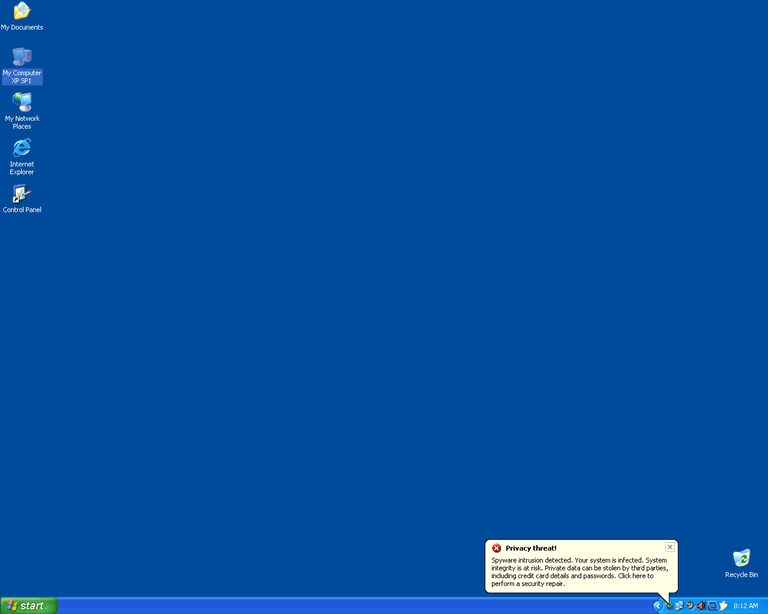
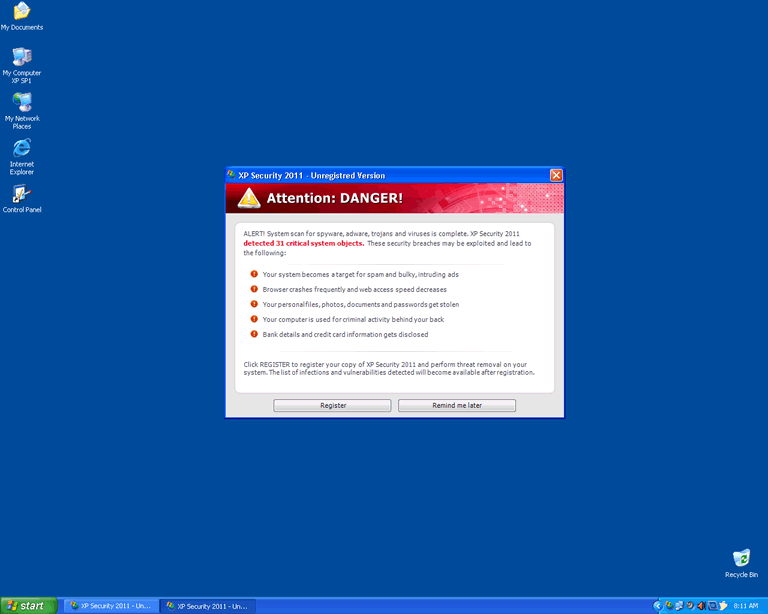
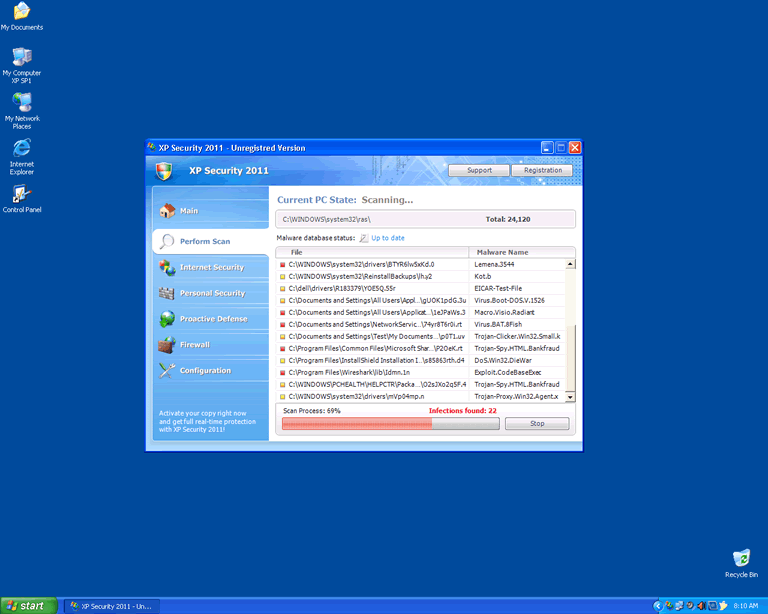
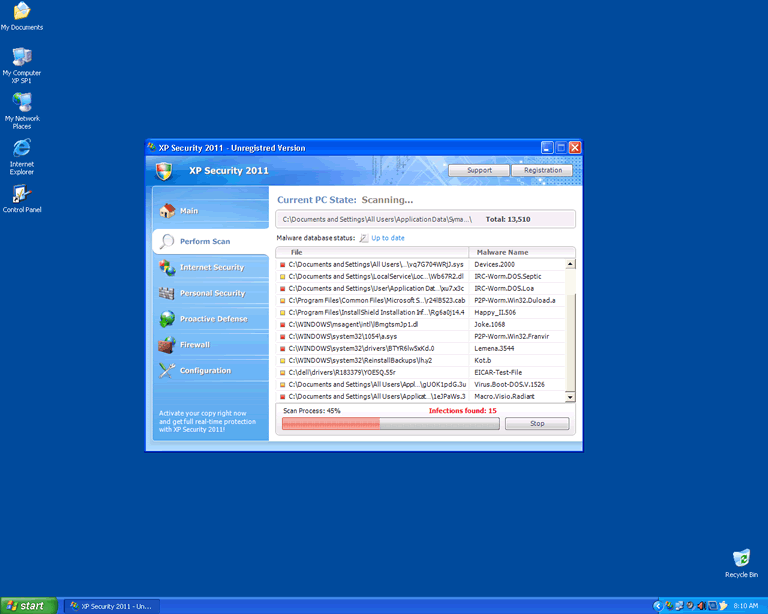
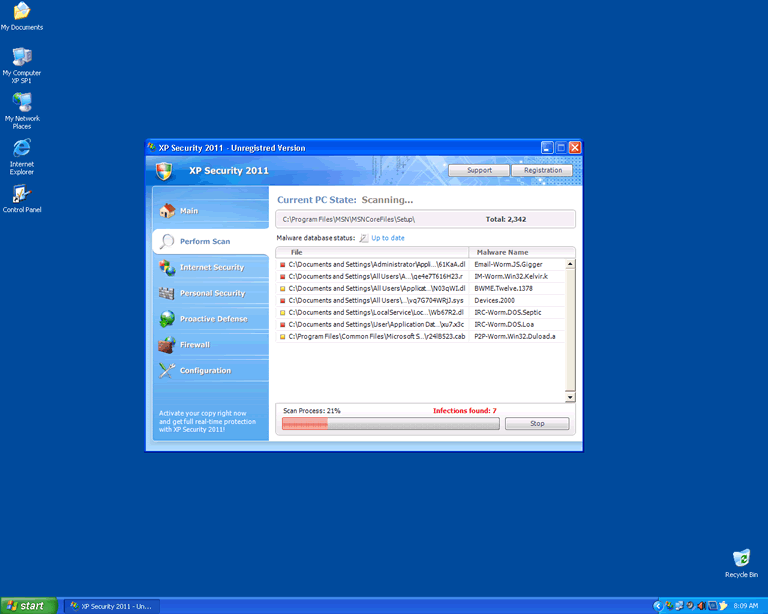
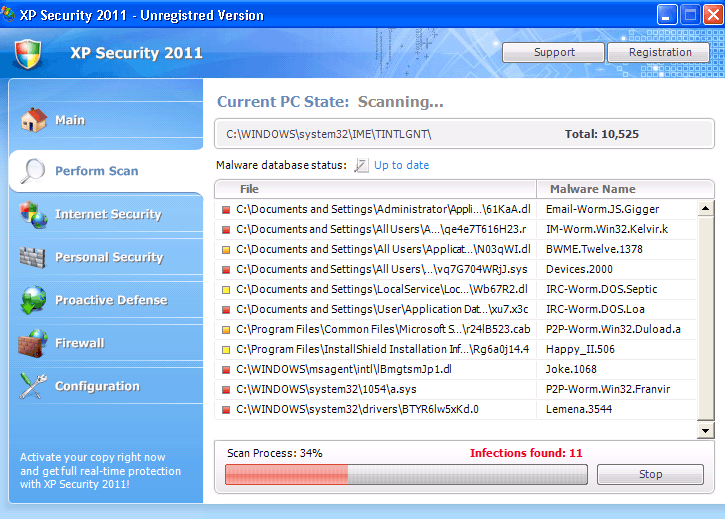
Tabla de contenido
Video Demostrativo de XP Security 2011
Tip: Encienda su sonido y mire el vídeo en el modo de Pantalla Completo para experimentar totalmente como XP Security 2011 infecta una computadora. El vídeo contiene botones clicables.
Video XP Security 2011
Consejo: encienda el sonido y mire el video en modo de pantalla completa .

Detalles del Sistema de Archivos
| # | Nombre |
Detecciones
Detecciones: la cantidad de casos confirmados y sospechosos de una amenaza particular detectada en computadoras infectadas según lo informado por SpyHunter.
|
|---|---|---|
| 1. | %UserProfile%\AppData\Local\MSASCui.exe | |
| 2. | %AppData%\ave.exe | |
| 3. | %UserProfile%\AppData\Local\pw.exe | |
| 4. | %UserProfile%\Local Settings\Application Data\MSASCui.exe | |
| 5. |
C:\Documents and Settings\ |
|
| 6. | %Temp%\pw.exe | |
| 7. | %UserProfile%\Local Settings\Application Data\pw.exe | |
| 8. | %Documents and Settings%\[UserName]\Local Settings\Application Data\[RANDOM CHARACTERS].exe | |
| 9. | %UserProfile%\Local Settings\Application Data\opRSK | |
| 10. | %Documents and Settings%\[AllUsers]\[RANDOM CHARACTERS] | |
| 11. |
C:\Documents and Settings\ |
|
| 12. |
C:\Documents and Settings\ |
|
| 13. | %UserProfile%\AppData\Local\opRSK | |
| 14. | %Documents and Settings%\[UserName]\Templates\[RANDOM CHARACTERS] | |
| 15. | C:\WINDOWS\Prefetch\AVE.EXE-3098ECAE.pf | |
| 16. |
C:\Documents and Settings\ |
|
| 17. | %UserProfile%\Start Menu\Programs\XP Security 2011 | |
| 18. | %Temp%\[RANDOM CHARACTERS] | |
| 19. | %Documents and Settings%\[AllUsers]\Application Data\[RANDOM CHARACTERS] | |
| 20. |
C:\Documents and Settings\ |
Detalles del Registro
URL
XP Security 2011 puede llamar a las siguientes URL:
| antivirus-one-care2010.com |
| cavertunelo.com |
| live-pc-care.com |
| live-pccare.com |
| one-care-antivirus.com |
| onecare-antivirus2010.com |
| pc-livecare.com |
| pc-livecare2010.com |
| security-pccare.com |
| securitypccare.com |
| win-live-care.com |
| win-live-care2010.com |
| windows-live-care.com |
| winlive-care21.com |



